Scanner + AI Clean · Word & Excel
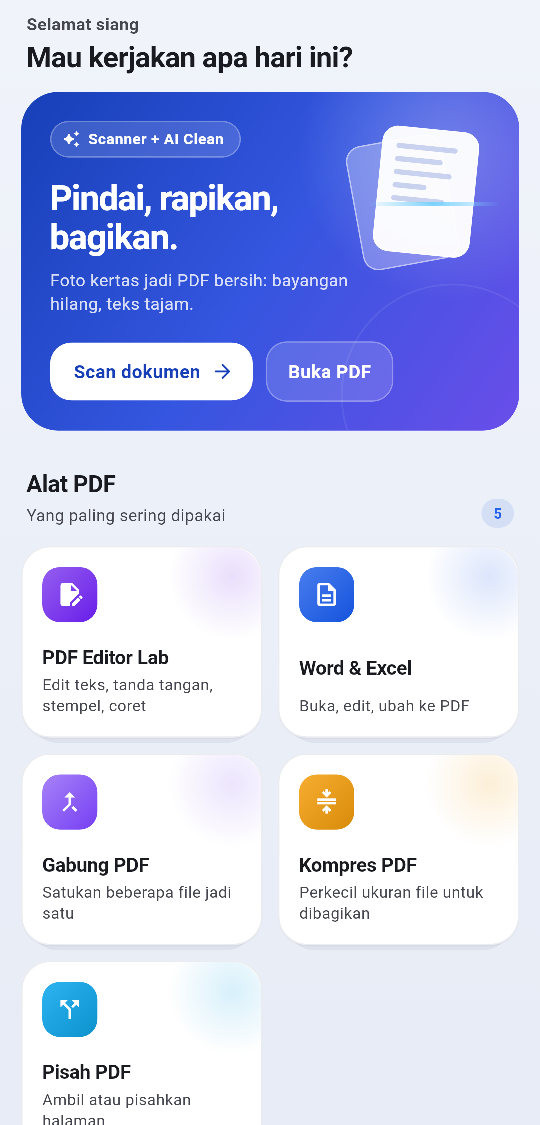
All your paperwork, right from your phone.
Scan paper into clean PDFs, edit text, sign, stamp, and convert Word and Excel to PDF. Fast, tidy, and your documents stay on your phone.
PDF ready to send
Processed on your device
Features
One app for all your PDFs
From a photo of a page to a file ready to send, without switching apps.
-
Scanner + AI Clean
Photos of documents become clean PDFs: edges cropped, shadows removed, text sharp.
-
PDF editor
Change text right in the PDF, add images, drawings, shapes and links.
-
Signatures & stamps
Draw your signature once and place it anywhere. Make your own stamps and QR codes.
-
Word & Excel
Open and edit .docx and .xlsx, with Excel formulas recalculated, then convert to PDF.
-
Merge, split, compress
Combine PDFs, pick pages, reorder them, and shrink file size.
-
Text recognition
Pull text out of photos and scans to copy and search.
-
Fill forms
Fill PDF form fields quickly and save them as templates.
-
Google Drive sync
Save files to and open files from your own Google Drive.
-
Print directly
Print to Bluetooth and network printers nearby.
New
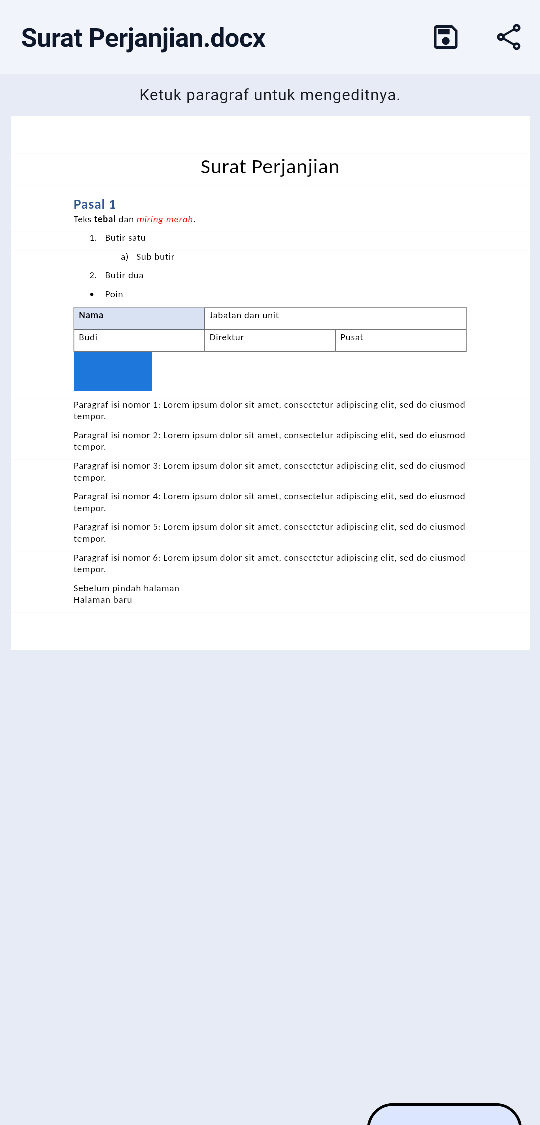
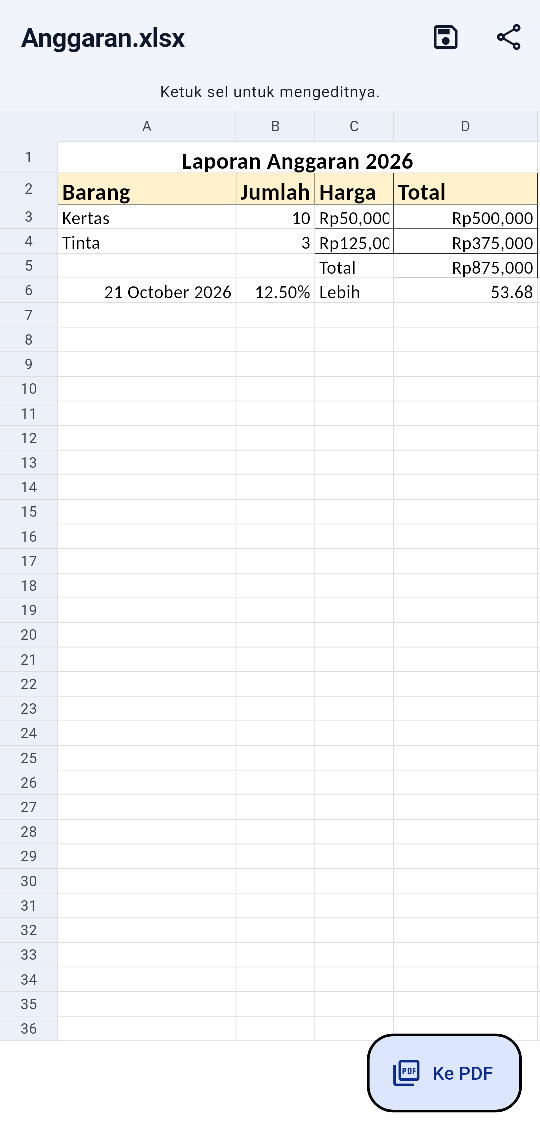
Word and Excel, now in MesinPDF too
Got a .docx or .xlsx on WhatsApp? Open it straight in MesinPDF.
- Tap a paragraph to edit it, formatting kept
- Tap a cell to enter a number, text, or a formula like =SUM(A1:A3)
- Save back as .docx / .xlsx without touching the rest
- Convert to PDF with headers, footers and page numbers
How it works
Three steps to a finished document
All from your Android phone.
-
Step 1: Install from Google Play
Find MesinPDF on Google Play or tap the Google Play button on this page, then install it on your Android phone.
-
Step 2: Scan or open a file
Take a photo of a document, or open a PDF, Word or Excel file from WhatsApp or your phone storage.
-
Step 3: Edit, sign, send
Tidy it up, add your signature, then share or print it.
Your documents stay on your phone
Scanning, editing, signing, OCR and conversion run on your device. We do not upload your documents to our servers and we do not sell your data.
- Scanning, editing and OCR run on your device
- Documents are not uploaded to our servers
- We do not sell your data
FAQ
Frequently asked questions
Is MesinPDF free?
Are my documents uploaded to a server?
Which Android versions are supported?
How do I install MesinPDF?
Is a signature made in MesinPDF legally valid?
How do I delete my account?
Ready to tidy up your documents?
Download MesinPDF and start with your first document today.
Android 7.0 and up · free, with premium plans